How to sell subscriptions on Shopify: 3 options compared
Subscriptions turn one-off buyers into predictable monthly revenue. Here's how they work on Shopify and the three ways to sell them, with what each one costs.
The short version
- Shopify sells subscriptions through "selling plans", which you set up with an app: Shopify's own free Subscriptions app, or a paid one.
- Subscriptions in Shopify's checkout only work with supported payment providers, Shopify Payments being the main one.
- A third option is a checkout with subscriptions built in, charged through your own Whop account, with each renewal created as an order in Shopify.
Why subscriptions are worth it
For consumables like skincare, coffee, supplements or pet food, a subscription turns one sale into a predictable stream. You spend less on ads per order, plan stock better, and get a number investors and lenders understand: monthly recurring revenue (MRR).
The most common formats are:
- Subscribe & save: the customer picks "deliver every month" on the product page for a discount.
- Free or discounted trial: the first box is cheap, renewals are full price.
- Memberships: a recurring fee for perks, early access or a monthly box.
How subscriptions work on Shopify
Shopify handles subscriptions through selling plans: rules attached to a product, such as "every 30 days, 10% off". Shopify provides the building blocks, but you need an app to create plans, show the option on your product page and let customers manage their subscription.
Two conditions are worth checking first:
- Your payment provider must support subscriptions in Shopify's checkout. Shopify Payments does; many third-party providers don't.
- Your store must meet Shopify's subscription requirements, such as clear policies and a visible cancellation option.
Option 1: Shopify's free Subscriptions app
Shopify publishes its own Subscriptions app. It covers the basics: subscribe & save discounts, delivery frequencies and a customer account page to skip or cancel.
Good for: getting started at no extra cost.
Limits: fewer options for trials, bundles, dunning and analytics than dedicated apps, and it depends on Shopify Payments or another supported provider.
Option 2: A dedicated subscription app
Apps like Recharge, Appstle, Loop or Seal add advanced features: build-a-box, prepaid plans, retention flows when someone tries to cancel, smarter payment retries and detailed churn reports.
Good for: stores where subscriptions are the core business.
Limits: most charge a monthly fee and often a percentage or fee per subscription order, on top of your processing fees. Check each app's current pricing, and model it against your expected subscriber count.
Option 3: Subscriptions built into your checkout
With Swapcheckout, subscriptions are part of the checkout itself. Customers choose one-time or subscribe on the checkout page, each renewal is charged through your own Whop account, and each renewal creates a new order in Shopify Admin so fulfillment works like any other order.
- Subscribe & save discounts and delivery frequencies per product.
- Free trials.
- A customer portal to skip, pause or cancel.
- Automatic retries when a renewal payment fails.
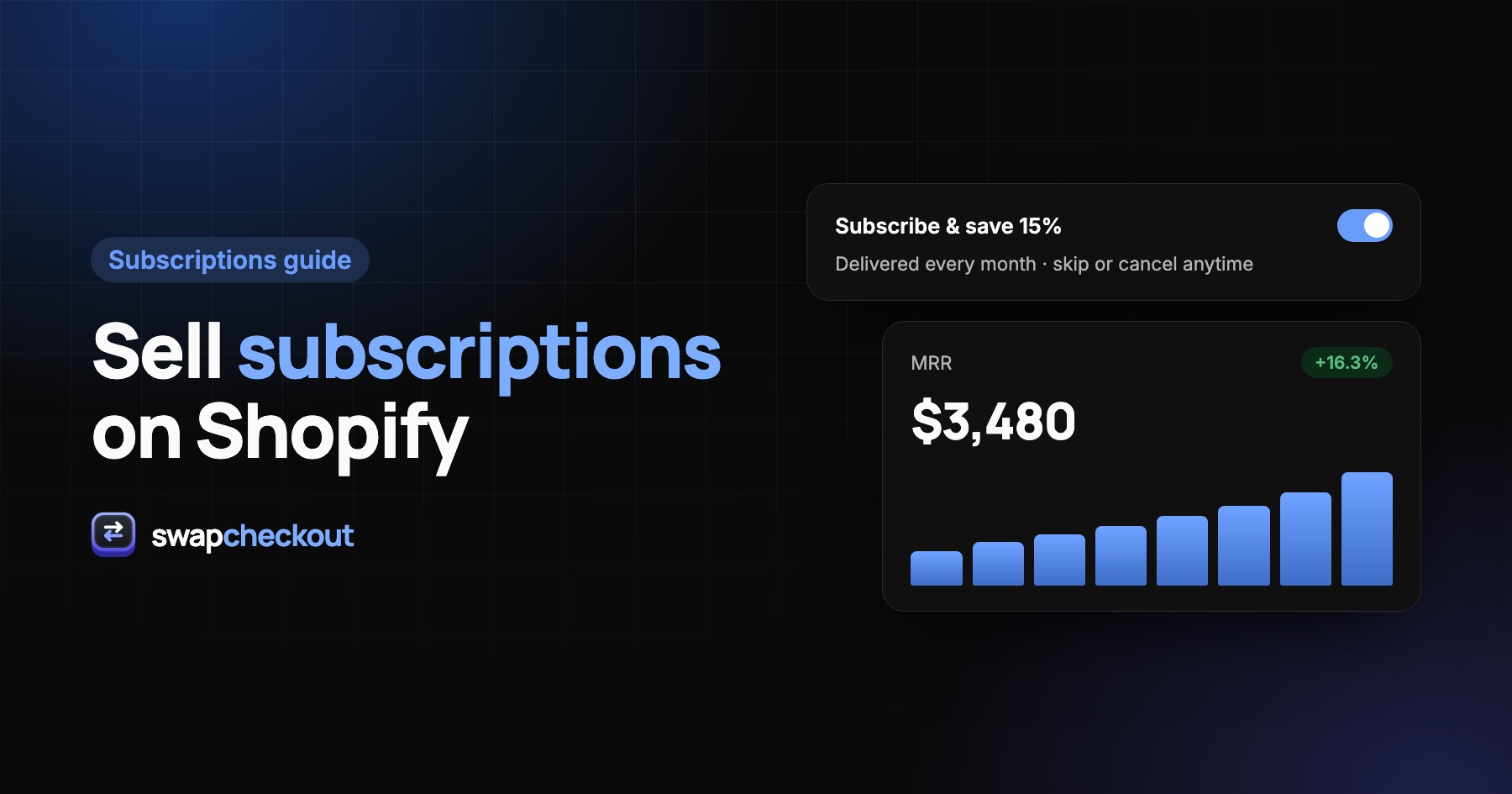
- MRR, active subscriptions and churn in your dashboard.
It's included in the flat $89 a month, with no fee per order. Whop's own processing fees apply. Because payments don't go through Shopify's checkout, it doesn't depend on Shopify Payments. See how subscriptions look in the dashboard.
Comparison
| Shopify Subscriptions | Dedicated app | Built into checkout | |
|---|---|---|---|
| App cost | Free | Monthly fee, often per-order fees | Included in $89/month |
| Needs Shopify Payments (or supported provider) | Yes | Usually | No, uses your Whop account |
| Free trials | Limited | Yes | Yes |
| Failed payment retries | Basic | Advanced | Yes, automatic |
| Renewals as Shopify orders | Yes | Yes | Yes |
Tips to keep subscribers longer
- Make skipping easier than cancelling. Many cancellations are really "I have too much product".
- Send a reminder before each renewal, especially for longer intervals.
- Retry failed payments automatically: expired cards cause a large share of involuntary churn.
- Keep cancellation clear and simple. Hidden cancellation leads to chargebacks, and in many countries it breaks consumer law.
The questions merchants ask.
Not in practice. Shopify provides selling plans, but you need an app, such as Shopify's free Subscriptions app, to create and manage them, or a checkout that includes subscriptions.
Only with the few other providers Shopify supports for subscriptions. A checkout charged through your own Whop account doesn't depend on them.
Yes, with a dedicated app or with Swapcheckout, where free trials are built in. Say clearly when the first full-price charge happens.
Yes, in all three options. With Swapcheckout, each paid renewal creates a new order in Shopify Admin for fulfillment.