Shopify payouts on hold: why it happens and how to get paid faster
A payout hold hurts most when you've already paid for ads and stock. Here's what usually triggers it, what to do today, and how to keep money flowing next time.
The short version
- Shopify Payments holds payouts when your verification is incomplete or when it sees risk: disputes, refunds, a sudden sales spike, slow fulfillment, or products it considers higher risk.
- Most holds are lifted once you send the requested information or the risk signal goes away. Start in Settings › Payments and your email inbox.
- To get paid faster in the long run, cut what triggers holds, and consider taking payments through an account that pays out faster, like your own Whop balance.
Payout hold, reserve or delay: what's the difference?
These three words get mixed up, but they don't mean the same thing:
- A payout delay is the normal gap between a sale and money reaching your bank. It depends on your country and payout schedule, and it's usually a few business days.
- A payout hold means payouts are paused entirely until something is resolved, often a verification request.
- A reserve means part of your balance is set aside for a period, to cover possible refunds and chargebacks, while the rest keeps paying out.
Knowing which one you have tells you what to do next. A delay needs no action; a hold usually needs information from you; a reserve usually needs time and better risk signals.
Why Shopify puts payouts on hold
Shopify doesn't publish an exact formula, but the common triggers are well known:
- Incomplete verification. Missing identity, business or bank details is the most frequent cause, and the easiest to fix.
- Chargebacks and disputes. A rising dispute rate is one of the strongest risk signals for any processor.
- A high refund rate. Lots of refunds can look like customers not getting what they paid for.
- A sudden spike in sales. A viral product or a big ad push can trigger a review, especially on a young store.
- Long fulfillment times. Preorders and slow shipping mean the processor carries the risk for longer.
- Product category. Some products are restricted or considered higher risk under Shopify Payments' terms.
- Mismatched information. A business name, address or bank account that doesn't match what was verified.
What to do right now
- Find the exact reason. Check the banner in Settings › Payments, your Shopify notifications and the email address on your account. Holds usually come with a request.
- Send exactly what's asked, quickly. ID, business documents, bank statements, invoices from your suppliers. Clear, complete files speed things up.
- Add tracking to every open order. Proof that orders ship is one of the best signals you can give.
- Answer open disputes. Respond with tracking, delivery confirmation and customer messages before the deadline.
- Contact Shopify support if nothing tells you why, and keep a written record of every exchange.
While a hold is active, your store can usually keep taking orders. What's paused is the money reaching your bank, which is exactly what hurts a store that pays for ads and stock up front.
How to avoid the next hold
- Ship fast and upload tracking as soon as you have it.
- Make your policies easy to find: shipping times, returns, contact details. Many disputes start with a customer who couldn't reach you.
- Use a clear billing descriptor so customers recognize the charge on their statement.
- Scale gradually when you can, and keep your verification details up to date before a big launch.
- Watch your dispute and refund rates weekly, not once a quarter.
How to get paid faster
Even without a hold, the standard payout cycle means several days between a sale and money you can spend. If cash flow is what's holding your store back, you have two levers:
- Check your payout schedule in your Shopify Payments settings, where your region allows a choice.
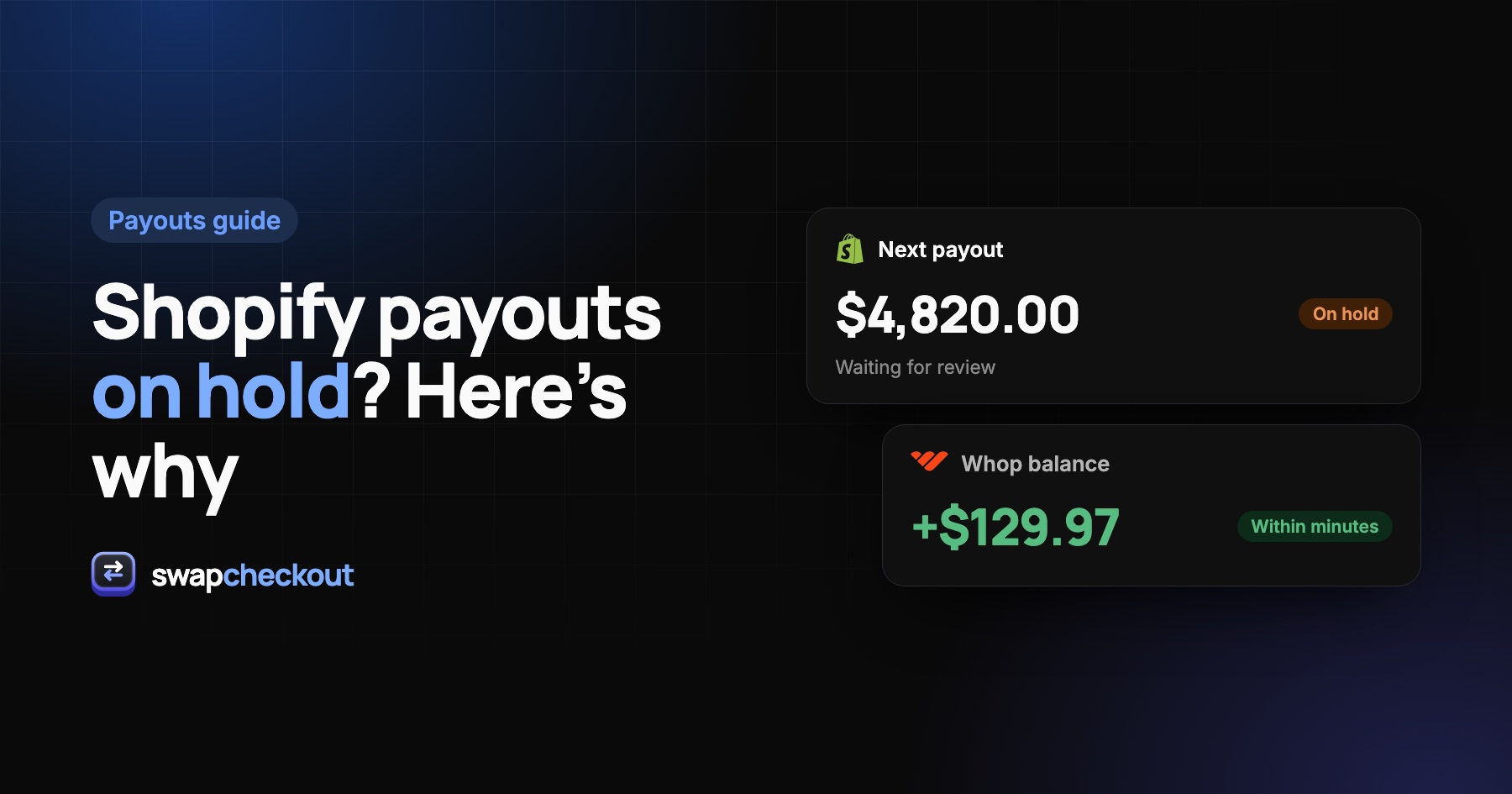
- Take payments through a different account. With Swapcheckout, payments go through your own Whop account and land in your Whop balance within minutes of each sale, while your storefront and order flow stay on Shopify. See how to accept payments through Whop on Shopify.
Be realistic
Every processor manages risk. Whop also verifies accounts and sets its own payout timing, holds and reserves, so the habits above matter just as much there. Moving payments is about speed and control, not about escaping risk checks. For other options, see Shopify Payments alternatives.
The questions merchants ask.
It depends on the reason. Verification holds are often lifted soon after you send the requested information. Holds linked to risk, like disputes or long fulfillment times, can last until those signals improve.
In most cases, yes. Your store keeps taking orders; it's the transfer of funds to your bank that's paused.
A share of each day's sales is kept back for a set period, then released, while new sales are reserved in turn. It protects the processor against refunds and chargebacks.
No. Funds already held stay under Shopify Payments' terms until they're released. A new processor only changes where future payments go.