Shopify Payments alternatives in 2026: what actually works
Whether Shopify Payments isn't available to you, your payouts are on hold, or you just want options, here are the real alternatives, what they cost and what each one changes for your store.
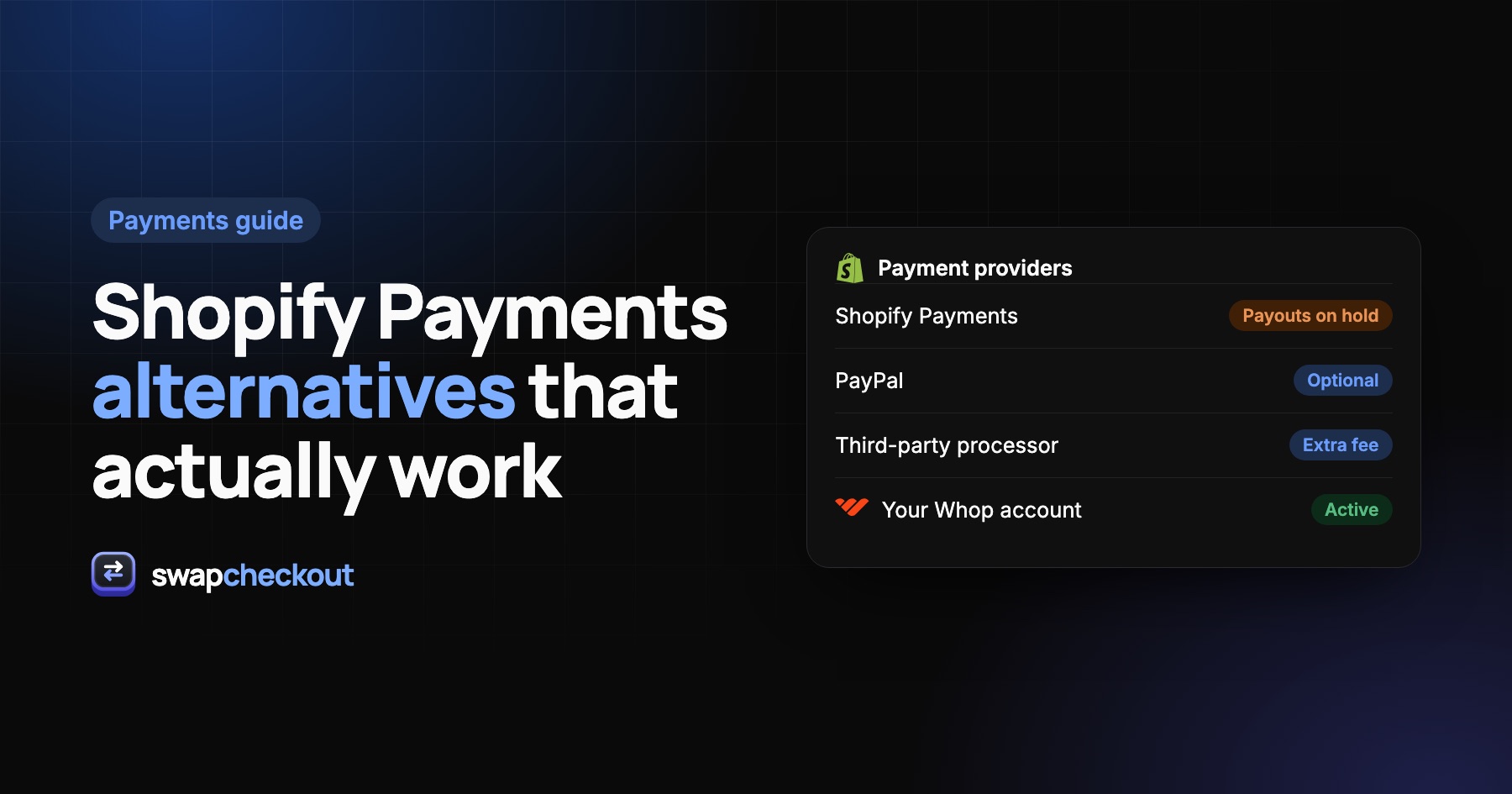
The short version
- Inside Shopify, your alternatives are PayPal, the third-party card processors Shopify has approved for your country, and buy-now-pay-later methods that sit next to your main processor.
- Using a third-party processor instead of Shopify Payments usually adds an extra Shopify transaction fee on top of the processor's own fees.
- The other route is to keep your Shopify store and take payment on a checkout outside Shopify, for example through your own Whop account.
Why merchants look for an alternative
Shopify Payments is the default for a reason: it's built in, it supports Shop Pay and wallets, and there's no extra Shopify transaction fee when you use it. Merchants usually start looking elsewhere for one of these reasons:
- Shopify Payments isn't available in their country, or for their business type.
- Their payouts are on hold or a reserve has been placed on their balance. We cover that case in detail in Shopify payouts on hold: why it happens.
- Their account was closed and they need another way to take payments.
- They want faster access to their money than the standard payout cycle.
- They don't want all their eggs in one basket: storefront and payments with the same company.
The right alternative depends on which of these applies to you, so it's worth being clear about it before you compare options.
What to compare
Whatever you look at, check the same five things:
- Total cost per order: the processor's rate, plus any extra Shopify transaction fee, plus monthly fees.
- Payout speed: how long between a sale and money you can actually use.
- Approval: whether your products, country and history are accepted, and how long underwriting takes.
- Checkout experience: wallets, saved cards, mobile layout. A cheaper processor that converts worse isn't cheaper.
- Order flow: whether paid orders land in Shopify Admin automatically, so fulfillment keeps working.
1. PayPal
PayPal is the most common second payment method on Shopify, and many stores run it alongside their main card processor. Shoppers know it, and it covers buyers who don't want to type a card number.
Good for: adding a familiar option, or keeping some revenue flowing while you sort out your main processor.
Watch out for: PayPal runs its own risk checks and can also hold funds or limit an account. If your goal is to stop depending on one company's risk team, PayPal alone doesn't solve that.
2. A third-party card processor
Under Settings › Payments, Shopify lists the third-party providers it supports in your country. Some are general-purpose processors, others specialize in businesses that mainstream processors turn down.
Good for: staying entirely inside Shopify's checkout, with orders created normally.
Watch out for:
- An extra Shopify transaction fee on every order, which depends on your Shopify plan, on top of the processor's own rate.
- Fewer checkout features: some third-party processors don't support every wallet or Shopify feature, such as some subscription setups.
- Underwriting and reserves: specialized processors often ask for processing history and may hold a rolling reserve.
3. Buy now, pay later (not a replacement)
Klarna, Afterpay and similar methods can lift average order value, but they sit next to your card processor rather than replacing it. Most shoppers still pay by card, so you need a main processor either way.
4. A checkout outside Shopify
The last option keeps your Shopify storefront and moves only the payment step. When shoppers click Check out, they go to a checkout page that charges through another account you own, and the paid order is written back into Shopify for fulfillment.
Swapcheckout does this with your own Whop account: payments land in your Whop balance within minutes, and every paid order is created in Shopify Admin. We walk through the setup in How to accept payments through Whop on your Shopify store.
Good for: fast access to sales, a fully custom checkout without Shopify Plus, and separating your payments from your storefront.
Watch out for: Whop runs its own verification and applies its own terms, including payout timing and any holds. It's a different company's rules, not the absence of rules.
Side-by-side comparison
| PayPal | Third-party processor | Checkout via Whop | |
|---|---|---|---|
| Replaces card payments | Partly | Yes | Yes |
| Extra Shopify transaction fee | Check your plan | Usually yes | No Shopify checkout involved |
| Orders in Shopify Admin | Yes | Yes | Yes, synced automatically |
| Custom checkout page | No | No (Shopify's checkout) | Yes, no-code builder |
| Access to funds | PayPal's rules | Processor's schedule | Whop balance within minutes |
Fees and payout rules change often and vary by country. Always check each provider's current pricing page before deciding.
How to choose
- You just need a second option next to Shopify Payments: add PayPal.
- You want to stay inside Shopify's checkout and can accept an extra fee per order: pick an approved third-party processor that accepts your business.
- You want faster access to sales and control over the checkout page, without rebuilding your store: take payment through a checkout outside Shopify, like Swapcheckout with your Whop account.
A word of caution
No payment provider is a way around rules. Every processor, Whop included, has its own terms, accepted products and risk checks. Read them for your own business, and review Shopify's terms for your store, before you switch.
The questions merchants ask.
Not as a standalone gateway in most countries. In many regions Shopify Payments itself runs on Stripe, but you can't plug in your own separate Stripe account as Shopify's card processor.
Usually, yes. When a third-party provider processes payments through Shopify's checkout, Shopify adds a transaction fee that depends on your plan, on top of the provider's own fees.
Yes, within limits. You can offer PayPal and buy-now-pay-later methods next to your main card processor, but Shopify's checkout only takes one main card processor at a time.
Not if the new option creates orders in Shopify Admin. Built-in providers do, and Swapcheckout creates every paid order in Shopify automatically.