Shopify checkout abandonment: 10 fixes that actually work
Most shoppers who start a checkout never finish it. Some of that is unavoidable, but a lot of it is friction you can remove. Here are the 10 fixes worth doing first.
The short version
- Around 70% of online carts are abandoned, according to Baymard Institute's long-running average. Some of that is window shopping you can't win back, but a lot of it is friction you can remove.
- The biggest reasons are surprise costs, forced account creation, slow or long checkouts, and a lack of trust.
- Fix them in order: show the full price early, make paying fast, reassure at the point of payment, then follow up.
First, measure it
In Shopify Analytics, the conversion funnel shows how many sessions add to cart, reach checkout and complete an order. Look at two numbers separately:
- Cart abandonment: people who add to cart but never start checkout.
- Checkout abandonment: people who start checkout but don't pay.
They have different causes. A high cart number usually points to price or shipping surprises; a high checkout number points to friction or trust on the payment page.
10 fixes that actually work
1. Show shipping costs before checkout
Unexpected extra costs are the reason shoppers cite most often for leaving. Show shipping prices or a free-shipping threshold on the product page and in the cart, so the total at checkout is never a surprise.
2. Don't force account creation
Let people buy as guests. In Shopify, check Settings › Checkout and make sure accounts are optional. You can offer an account after the purchase.
3. Offer express wallets
Apple Pay, Google Pay and other one-tap wallets skip the whole form on mobile. Make sure they appear at the top of checkout, and in the cart if your theme allows it.
4. Cut the form down
Remove optional fields, turn on address autocomplete and avoid asking for anything you don't need to ship the order. Every field is a reason to stop.
5. Make it fast on mobile
Most traffic is mobile. Test your checkout on a mid-range phone on mobile data, not on your office Wi-Fi. Heavy scripts and pop-ups before the checkout hurt most.
6. Reassure at the point of payment
The payment step is where doubt peaks. Your real star rating, two or three short reviews and your return policy in one line answer the question "what if it goes wrong?" right where it's asked.
7. Answer the last questions
A short FAQ next to the payment form (delivery time, returns, contact) stops people from opening a new tab to look for answers, and never coming back.
8. Offer the payment methods your buyers expect
Depending on your market: PayPal, buy now pay later, local methods. A shopper who doesn't see their usual method often leaves without saying why.
9. Use urgency only when it's true
A countdown tied to a real offer that really ends can help. A fake timer that resets on refresh damages trust and can break consumer protection rules. If there's no real deadline, don't show one.
10. Recover the ones who leave
Shopify can email customers who started checkout and left. Turn on the abandoned checkout email in Marketing › Automations, send the first one within a few hours, and keep it helpful rather than pushy.
What if you can't change the checkout?
Fixes 6, 7 and 9 need content inside the payment step, which Shopify reserves for Plus. You can move some of it to the product page and cart, or replace the checkout step with your own page. Both routes are covered in How to customize the Shopify checkout without Shopify Plus.
Swapcheckout's builder includes reviews, a guarantee, an FAQ, order bumps and timers out of the box, and it works on any Shopify plan. Try the live checkout preview to see how it feels as a shopper.
Quick checklist
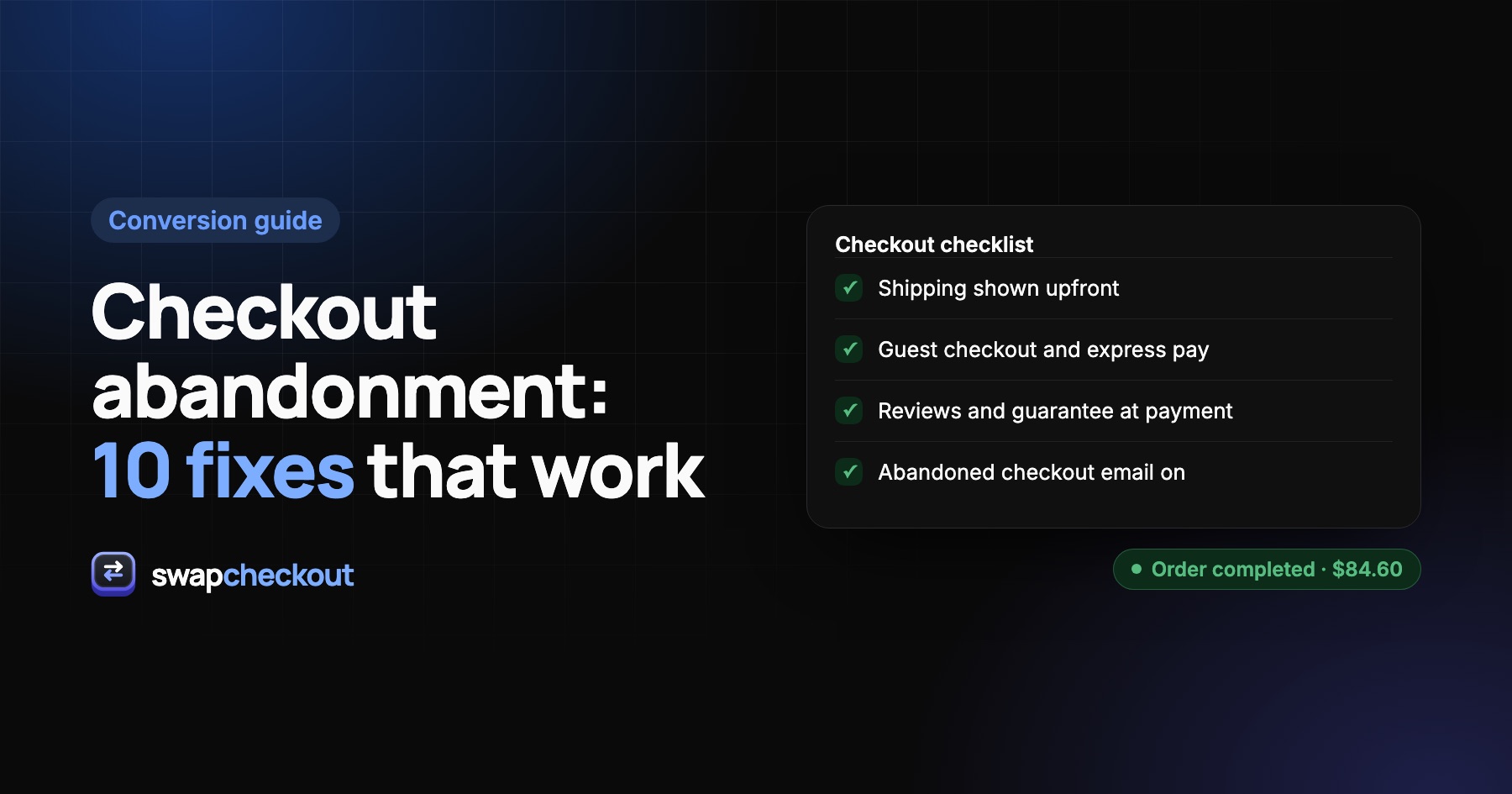
- Total cost visible before checkout
- Guest checkout on
- Express wallets at the top
- No optional fields
- Tested on a real phone
- Reviews, guarantee and FAQ near the payment form
- Abandoned checkout email on
The questions merchants ask.
Baymard Institute's long-running average for cart abandonment is around 70%. Rates vary a lot by industry, device and price point, so compare your store with its own history first.
In Shopify Admin, under Orders › Abandoned checkouts. You can see what was in each checkout and whether a recovery email was sent.
Not if they're relevant and optional. A single small add-on, clearly priced and easy to ignore, rarely gets in the way. Several bumps or pre-checked boxes do.
Yes. Fewer steps, fewer fields and one-tap wallets reduce the chances of a shopper getting distracted or giving up, especially on mobile.